862
Microsoft Please Fix
(lemmy.zip)
Welcome to Programmer Humor!
This is a place where you can post jokes, memes, humor, etc. related to programming!
For sharing awful code theres also Programming Horror.

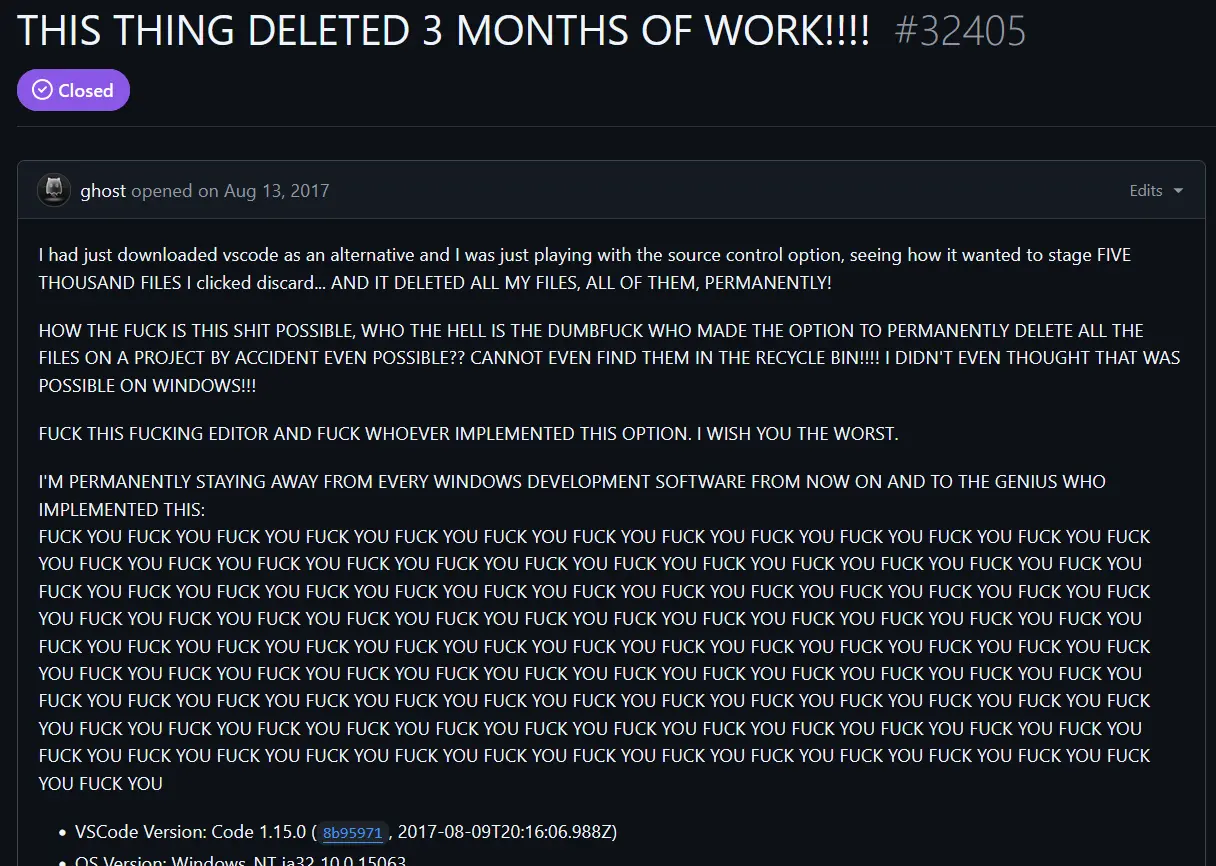
"Changes" encompass more than you think. Creating / Deleting files are also changes, not just edits to a file.
It can also be all of them at the same time, which is why VSCode uses "Changes" instead of "Files".
And the terminology is misleading, resulting in problems. shrug.
I find it difficult to lay the blame with VSCode when the terminology belongs to git, which (even 7 years ago) was an industry standard technology.
People using tools they don't understand and plowing ahead through scary warnings will always encounter problems.
Wasn't the issue that it deleted a bunch of preexisting untracked files? So old untracked files.