553
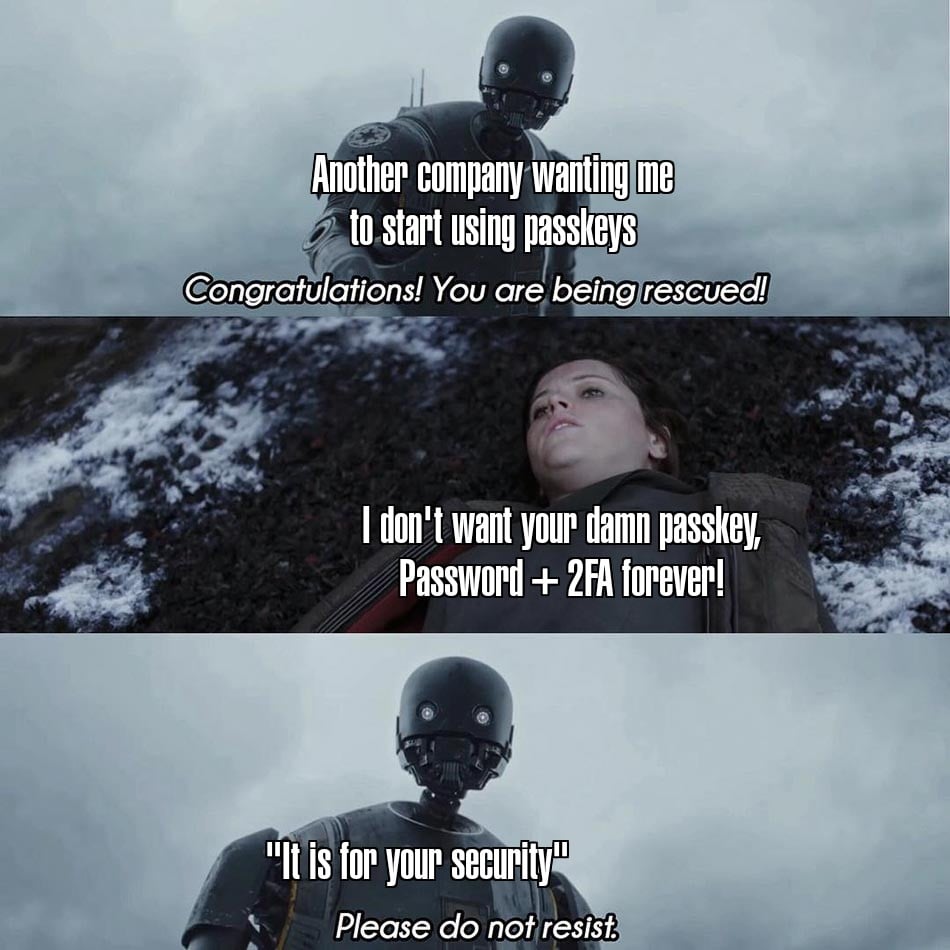
Take your passkey and shove it where the sun don't shine
(lemmy.world)
1. Be civil
No trolling, bigotry or other insulting / annoying behaviour
2. No politics
This is non-politics community. For political memes please go to !politicalmemes@lemmy.world
3. No recent reposts
Check for reposts when posting a meme, you can only repost after 1 month
4. No bots
No bots without the express approval of the mods or the admins
5. No Spam/Ads/AI Slop
No advertisements or spam. This is an instance rule and the only way to live. We also consider AI slop to be spam in this community and is subject to removal.
A collection of some classic Lemmy memes for your enjoyment
I use Bitwarden, yet not macOS/iOS. Whenever a passkey dialog from the wrong authenticator comes up, I choose option other to redirect to a device running Bitwarden: I see macOS & iOS offer similar controls. However, Bitwarden's passkey dialog (section with links to configuring that) usually pops up, so that isn't necessary.
Save a recovery code in Bitwarden (add field type hidden named Recovery code to the login entry)? That's standard practice for me, though I've never needed them.
I've seen forms disable paste. Much can go wrong with passwords. Passwords require sharing & transmitting a secret (a symmetric key), which either party can fail to secure. Passkeys, however, never transmit secrets. Instead, they transmit challenges using asymmetric cryptography. The application can't fail to secure a secret it never has. Far more secure, and less to go wrong.
The password field is a more manual, error prone user interface. With passkeys/WebAuthn, you instead supply a key that isn't transmitted: easier than passwords when setup correctly, & nothing to do until it's setup correctly.
Similar situation with ssh: though it can accept passwords, ssh key authentication is way nicer & more secure.