this post was submitted on 19 Jun 2025
163 points (98.8% liked)

Selfhosted

61451 readers
353 users here now

A place to share alternatives to popular online services that can be self-hosted without giving up privacy or locking you into a service you don't control.

Rules:

Detailed Rules Post

  1. Be civil.

  2. No spam.

  3. Posts are to be related to self-hosting.

  4. Don't duplicate the full text of your blog or readme if you're providing a link.

  5. Submission headline should match the article title.

  6. No trolling.

  7. Promotion posts require active participation, with an account that is at least 30 days old. F/LOSS without a paywall has exceptions, with requirements. See the rules link for details. Tags [CBH] or [AIP] are required, see the links in Rule 8 for details.

  8. AI-related discussions and AI-involved promotional posts have additional requirements for tagging, as noted in Rule 7 and the AI & Promotional Post Expanded Rules post, and find example disclosures here.

Resources:

Any issues on the community? Report it using the report flag.

Questions? DM the mods!

founded 3 years ago
MODERATORS
 

I'm pretty new to selfhosting and homelabs, and I would appreciate a simple-worded explanation here. Details are always welcome!

So, I have a home network with a dynamic external IP address. I already have my Synology NAS exposed to the Internet with DDNS - this was done using the interface, so didn't require much technical knowledge.

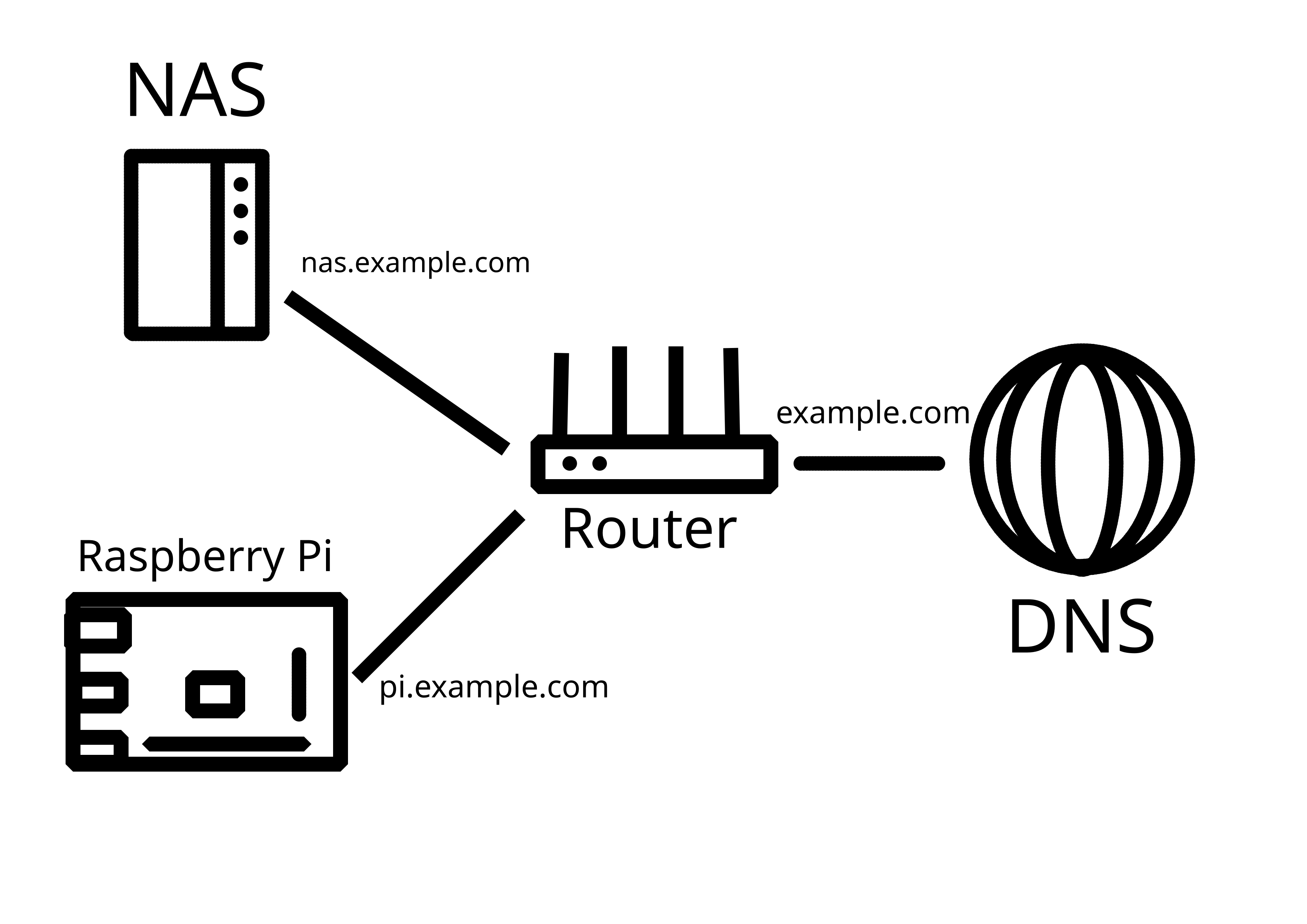
Now, I would like to add another server (currently testing with Raspberry Pi) in the same LAN that would also be externally reachable, either through a subdomain (preferable), or through specific ports. How do I go about it?

P.S. Apparently, what I've tried on the router does work, it's just that my NAS was sitting in the DMZ. Now it works!
you are viewing a single comment's thread
view the rest of the comments
[–] skankhunt42@lemmy.ca 8 points 1 year ago* (last edited 1 year ago) (1 children)

Router gets the public IP. Login to it, find port forwarding option. You'll pick a public port. IE 443 and forward it to a local IP:port combo, IE 192.168.0.101:443.

Then you can pick another public port and forward it to a different private IP:port combo.

If you want a subdomain, you forward one port to one host and have it do the work. IE configure Nginx to do whatever you want.

EDIT: or you use IPv6. Everything is a public IP.

[–] Allero@lemmy.today 2 points 1 year ago (1 children)
[–] skankhunt42@lemmy.ca 1 points 1 year ago (2 children)

Looks like you got it! Congrats.

[–] melroy@kbin.melroy.org 1 points 1 year ago (2 children)

Or he just uses a reverse proxy like nginx. So all can be hosted behind the same port (443)

[–] Allero@lemmy.today 2 points 1 year ago

Not yet, but want to figure it out properly.

[–] possiblylinux127@lemmy.zip 2 points 1 year ago (1 children)

I would use Caddy or something else that is less complex to setup

[–] melroy@kbin.melroy.org 1 points 1 year ago

Yeah Caddy is also a great option.

Something we didn't had a decade ago. Then the most likely approach was either apache or nginx.