I'm pretty new to selfhosting and homelabs, and I would appreciate a simple-worded explanation here. Details are always welcome!
So, I have a home network with a dynamic external IP address. I already have my Synology NAS exposed to the Internet with DDNS - this was done using the interface, so didn't require much technical knowledge.
Now, I would like to add another server (currently testing with Raspberry Pi) in the same LAN that would also be externally reachable, either through a subdomain (preferable), or through specific ports. How do I go about it?
P.S. Apparently, what I've tried on the router does work, it's just that my NAS was sitting in the DMZ. Now it works!
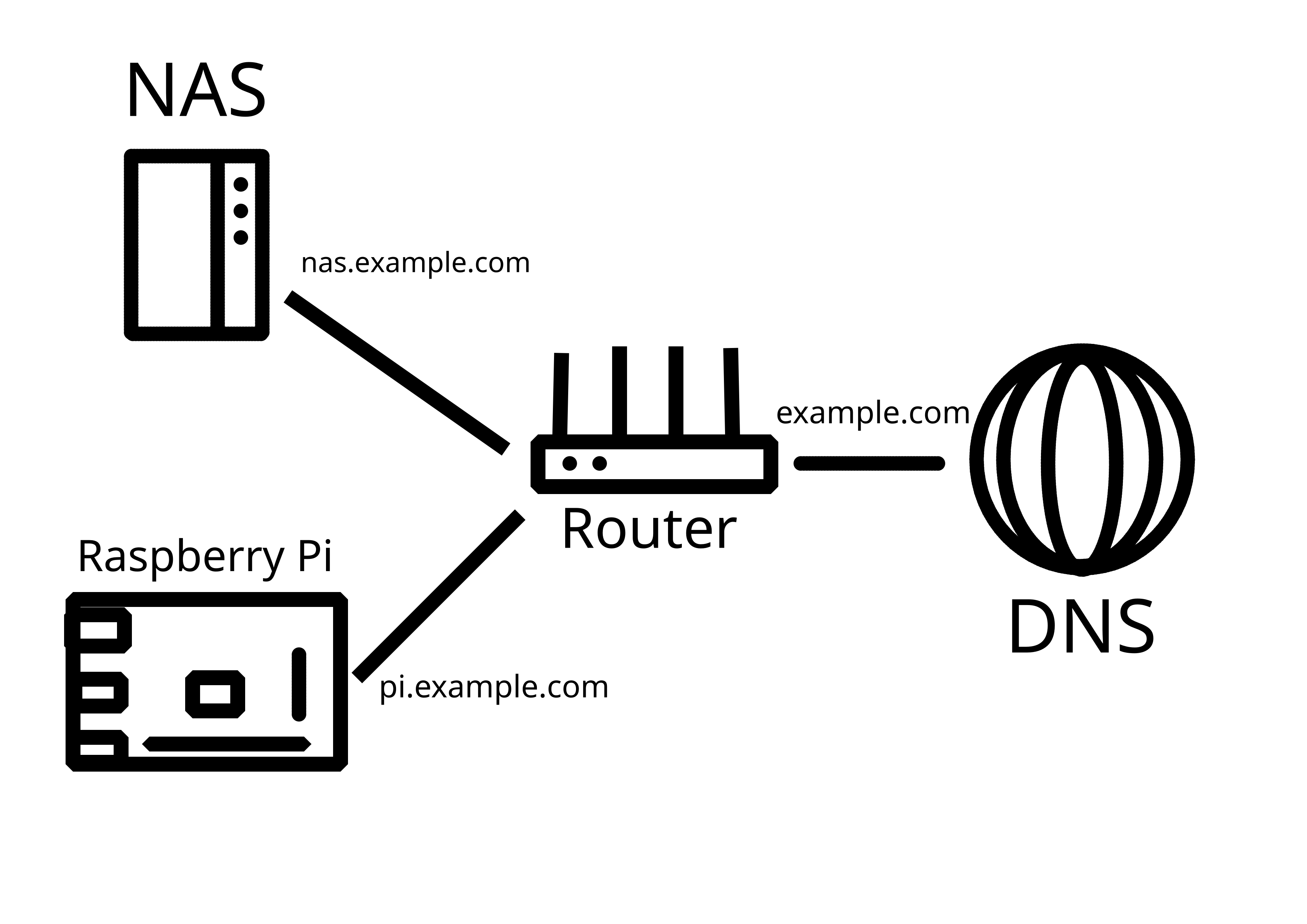
Where do I type rpi's IP, just in port forwarding? Or somewhere else?
I want for Nginx proxy, controlled through the Manager, to direct traffic to different physical servers based on subdomain.
I put in nas.my.domain and I get my Synology on its DSM port. I put in pi.my.domain and I get a service on my Pi.
It seems you are missing some very basic knowledge, if you have questions like this. Watch/read some tutorials to get the basics, than ask specific questions.
This guy does the same thing as you: https://www.youtube.com/watch?v=yLduQiQXorc
This was like the 3rd result for searching for nginxproxymanager on yt.
Guess I am going ahead of myself, yes, which gets even more complicated by having another server (Synology NAS) already installed and messing with networking a little, as internal settings appear to expect the NAS to be the only exposed thing on the network.
Thanks for the link! I've seen that thumbnail, but most guides are solely focused on actually installing Nginx Proxy Manager, which is the easy part, and skip the rest, so I glanced that one over.
P.S. Looks like I did everything right, I just need to sort my SSL stuff to work properly.