this post was submitted on 19 Jun 2025
163 points (98.8% liked)

Selfhosted

61451 readers
349 users here now

A place to share alternatives to popular online services that can be self-hosted without giving up privacy or locking you into a service you don't control.

Rules:

Detailed Rules Post

  1. Be civil.

  2. No spam.

  3. Posts are to be related to self-hosting.

  4. Don't duplicate the full text of your blog or readme if you're providing a link.

  5. Submission headline should match the article title.

  6. No trolling.

  7. Promotion posts require active participation, with an account that is at least 30 days old. F/LOSS without a paywall has exceptions, with requirements. See the rules link for details. Tags [CBH] or [AIP] are required, see the links in Rule 8 for details.

  8. AI-related discussions and AI-involved promotional posts have additional requirements for tagging, as noted in Rule 7 and the AI & Promotional Post Expanded Rules post, and find example disclosures here.

Resources:

Any issues on the community? Report it using the report flag.

Questions? DM the mods!

founded 3 years ago
MODERATORS
 

I'm pretty new to selfhosting and homelabs, and I would appreciate a simple-worded explanation here. Details are always welcome!

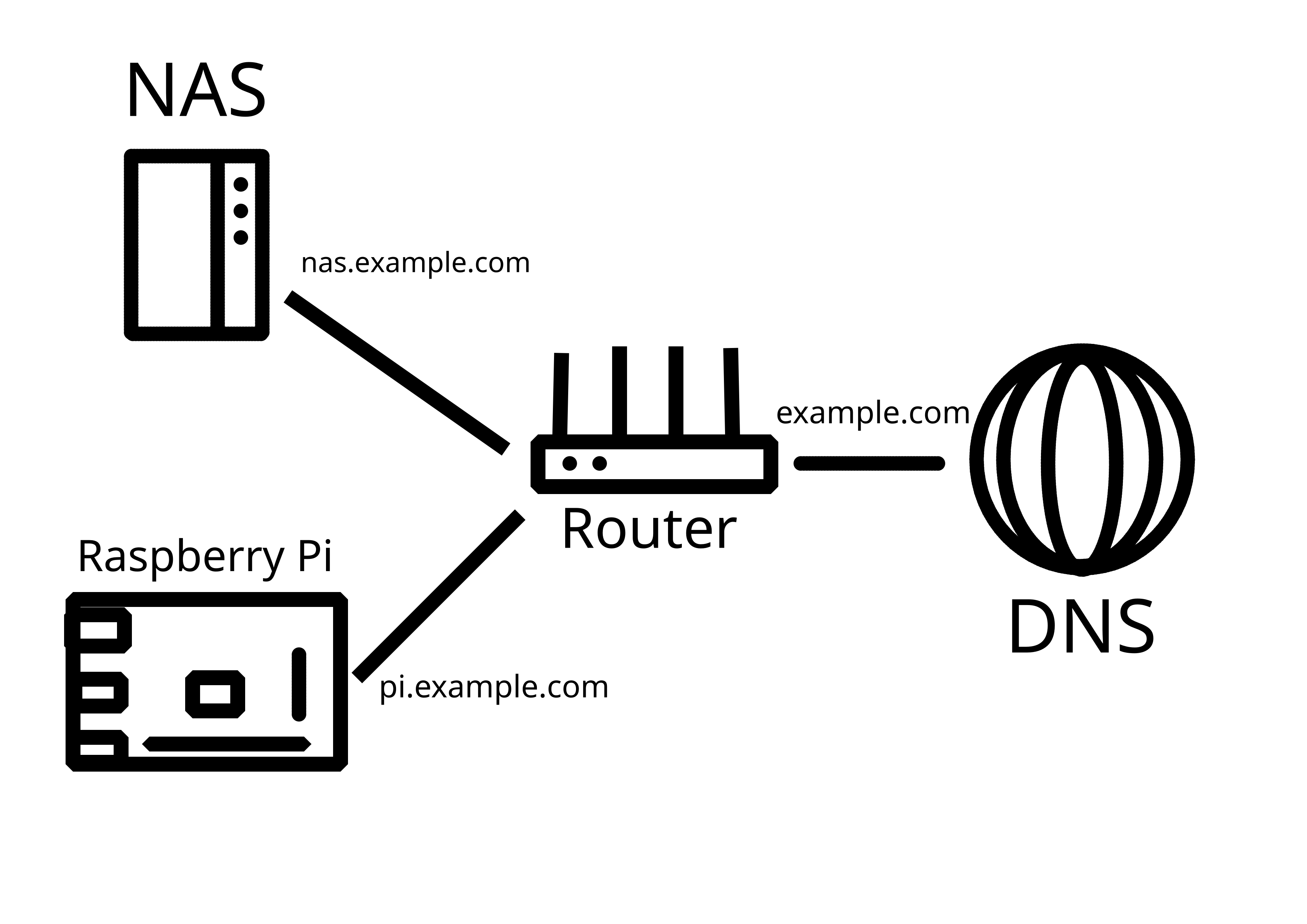
So, I have a home network with a dynamic external IP address. I already have my Synology NAS exposed to the Internet with DDNS - this was done using the interface, so didn't require much technical knowledge.

Now, I would like to add another server (currently testing with Raspberry Pi) in the same LAN that would also be externally reachable, either through a subdomain (preferable), or through specific ports. How do I go about it?

P.S. Apparently, what I've tried on the router does work, it's just that my NAS was sitting in the DMZ. Now it works!
you are viewing a single comment's thread
view the rest of the comments
[–] hietsu@sopuli.xyz 4 points 1 year ago (1 children)

I have wrestled with the same thing as you and I think nginx reverse proxy and subdomains are reasonably good solution:

  • nothing answers from www.mydomain.com or mydomain.com or ip:port.
  • I have subdomains like service.mydomain.com and letsencrypt gives them certs.
  • some services even use a dir, so only service.mydomain.com/something will get you there but nothing else.
  • keep the services updated and using good passwords & non-default usernames.
  • Planned: instant IP ban to anything that touches port 80/443 without using proper subdomain (whitelisting letsencrypt ofc), same with ssh port and other commonly scanner ones. Using fail2ban reading nginx logs for example.
  • Planned: geofencing some ip ranges, auto-updating from public botnet lists.
  • Planned: wildcard TLS cert (*.mydomain.com) so that the subdomains are not listed anywhere maybe even Cloudflare tunnel with this.

Only fault I’ve discovered are some public ledgers of TLS certs, where the certs given by letsencrypt spill out those semi-secret subdomains to the world. I seem to get very little to no bots knocking my services though so maybe those are not being scraped that much.

[–] Allero@lemmy.today 1 points 1 year ago (1 children)

Pretty solid! Though insta-ban on everything :80/443 may backfire - too easy to just enter the domain name without subdomain by accident.

[–] hietsu@sopuli.xyz 2 points 1 year ago

Could be indeed. Looking at the nginx logs, setting a permaban on trying to access /git and a couple of others might catch 99% of bots too. And ssh port ban trigger (using knockd for example) is also pretty powerful yet safe.