I'm pretty new to selfhosting and homelabs, and I would appreciate a simple-worded explanation here. Details are always welcome!
So, I have a home network with a dynamic external IP address. I already have my Synology NAS exposed to the Internet with DDNS - this was done using the interface, so didn't require much technical knowledge.
Now, I would like to add another server (currently testing with Raspberry Pi) in the same LAN that would also be externally reachable, either through a subdomain (preferable), or through specific ports. How do I go about it?
P.S. Apparently, what I've tried on the router does work, it's just that my NAS was sitting in the DMZ. Now it works!
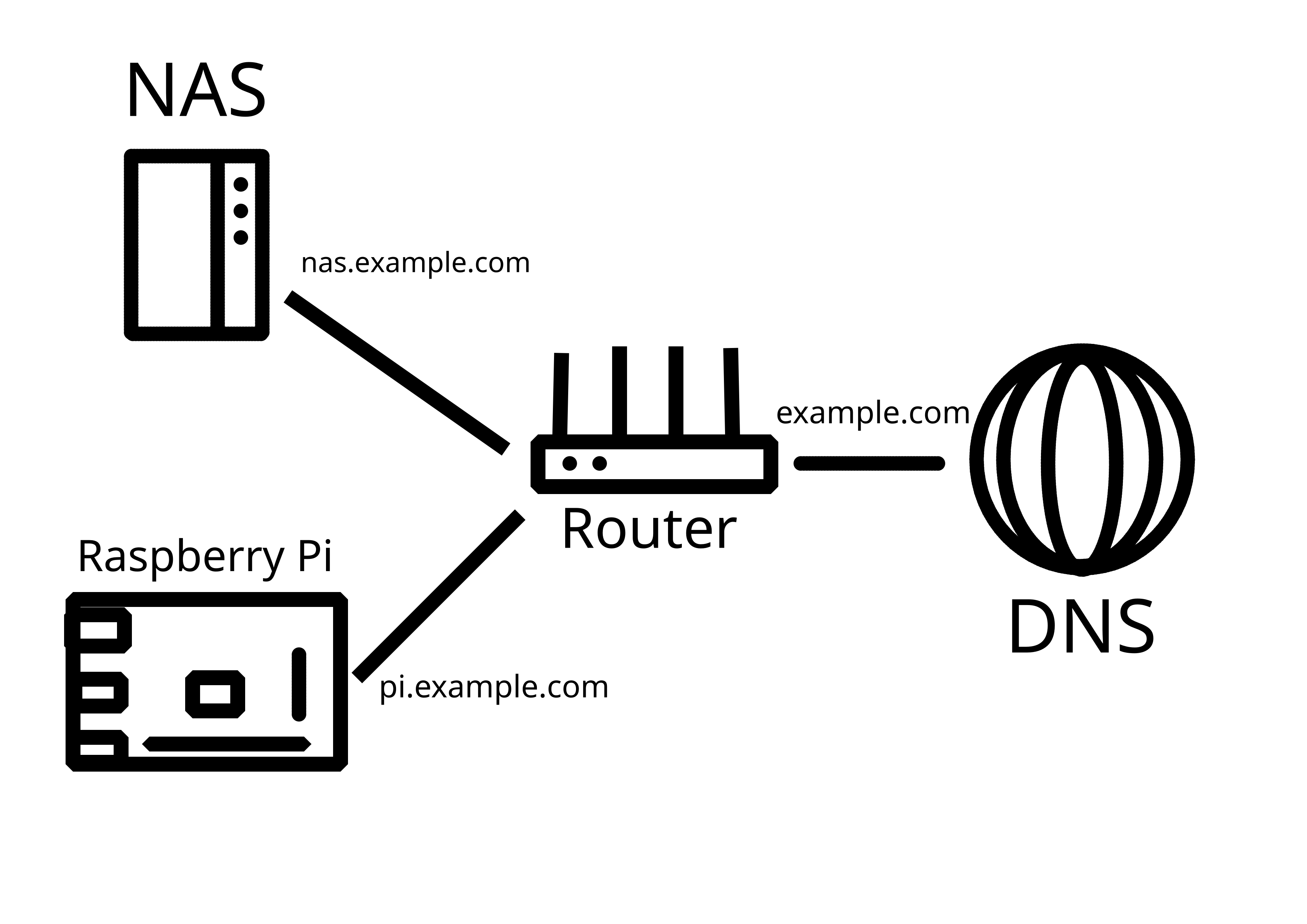
You already have a lot of good answers ... but I got one more to add.
I have a very similar setup on my homelab and I'm using a Cloudflare tunnel.
It's a free service and it's really good because it allows you to expose web services and specific ports for remote access over dynamic IPs without having to expose your own router.
https://developers.cloudflare.com/cloudflare-one/connections/connect-networks/
Thanks! I got that advice as well, but I would like to keep it self-hosted - I consider using Pangolin on a VPS for that purpose going forward: https://github.com/fosrl/pangolin
Also, beware of the new attack on Cloudflare Tunnel: https://www.csoonline.com/article/4009636/phishing-campaign-abuses-cloudflare-tunnels-to-sneak-malware-past-firewalls.html
This attack targets end users, not Cloudflare tunnel operators (i.e. self-hosters). It abuses Cloudflare Tunnels as a delivery mechanism for malware payloads, not as a method to compromise or attack people who are self-hosting their own services through Cloudflare Tunnels.
Thanks for clarification!