I'm pretty new to selfhosting and homelabs, and I would appreciate a simple-worded explanation here. Details are always welcome!
So, I have a home network with a dynamic external IP address. I already have my Synology NAS exposed to the Internet with DDNS - this was done using the interface, so didn't require much technical knowledge.
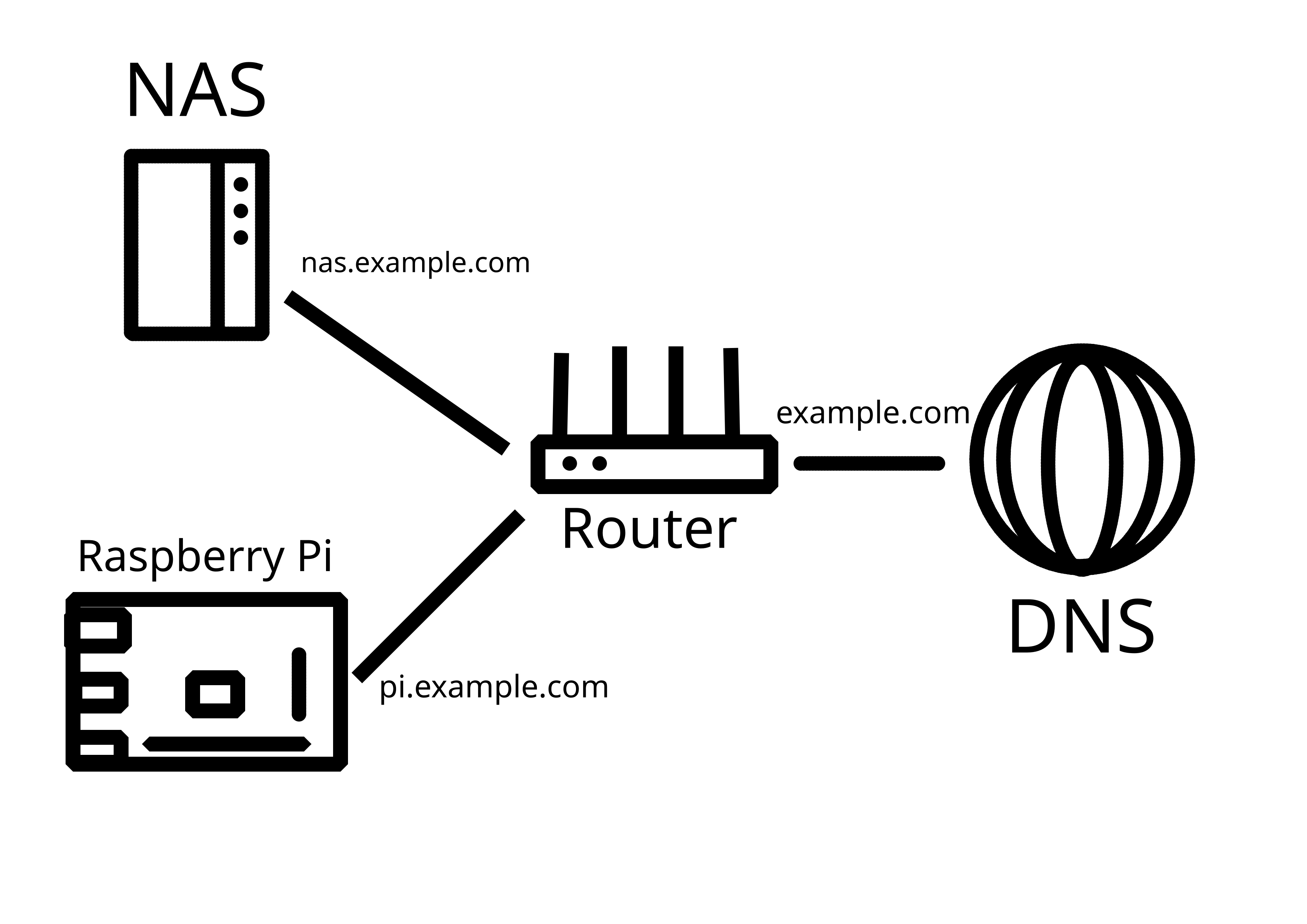
Now, I would like to add another server (currently testing with Raspberry Pi) in the same LAN that would also be externally reachable, either through a subdomain (preferable), or through specific ports. How do I go about it?
P.S. Apparently, what I've tried on the router does work, it's just that my NAS was sitting in the DMZ. Now it works!
There's nothing saying you can't have ports forwarded for the NAS, and have a VPN for everything else. Censorship may be a problem, but those more often block VPN services like NordVPN, not protocols. So running your own is less likely to be stopped. That said, of course comply with local laws, I don't know where you live or what's legal there.
If you really want multiple things exposed at the same time, you have two options(which can be used in combination if needed/wanted):
I still recommend against forwarding a lot of ports as a beginner. It's very common for software and web apps to have security vulnerabilities, and unless you are really on top of it, you could get hit. Not only does that put all your internal devices at risk, not just the one that was original breached, it also will likely become part of a botnet, so your local devices will be used to attack other people. I'd recommend getting confident with your ability to maintain your services and hardening your environment first.
It's not illegal to use VPN in my area, but connections are blocked on a protocol level, both through OpenVPN and Wireguard.
I already managed to make caddy work, so, hooray!
I also found a setting on my router that fully isolates certain devices from the local network. I want to put the server in there, so that the rest of my LAN is not under threat. I also want to figure out VLANs.
I am not an expert on security and I don't know how to setup ddns, but I simply use Tailscale VPN to access my RPi4 homeserver running Umbrel from outside of my home, I simply installed Tailscale in my Umbrel and in my phone, and when I want to access from my phone Immich, Nextcloud or any other app running on my Umbrel. I simply enable the Tailscale VPN. Maybe it has some limitations, but is the simpler way I found, and based on what I read, it is more secure than exposing a port in the router, but not sure.
I would be fairly comfortable running a direct WireGuard connection even without Tailscale, but my location and use case simply won't allow me to.
Your setup is valid, nothing wrong with it, and yes, it is more secure. Just can't be used in my case.