372
Hey there,
it's been a while since my last post. Since then - with the help of this awesome community - I have added multiple new features and fixed a lot of bugs.
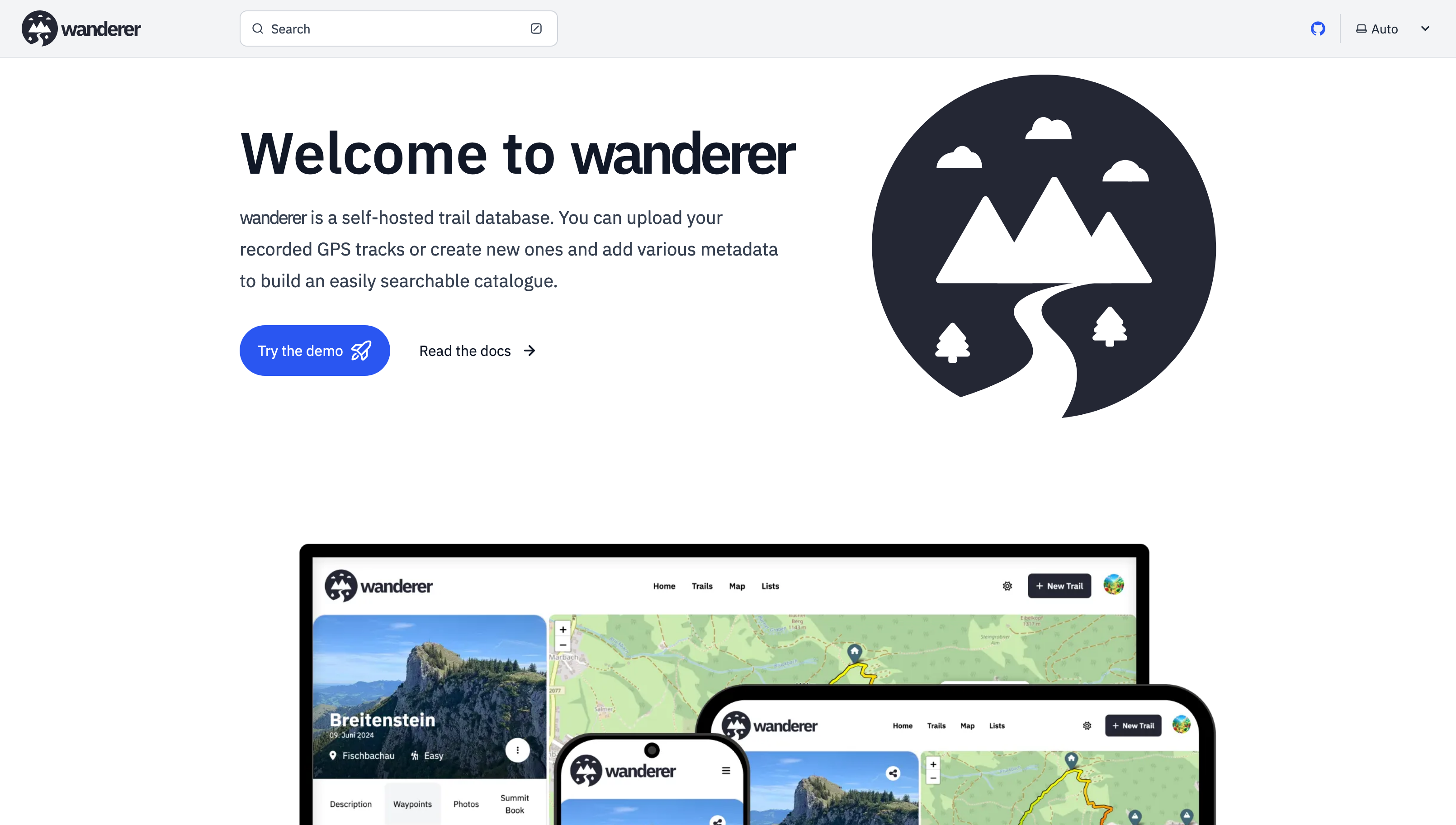
Most importantly there is now a working demo alongside a shiny new landing page.
And here are some more fun features I added since then:
- Trail drawing: in addition to uploading you GPX, TCX or KML files, you can now also simply draw a trail by defining multiple waypoints. The route between them will be calculated automatically.
- Sharing trails: simple and straightforward - you can share your trails with other users and let them view or edit.
- Printing trails: there is now a dedicated print view. Plan your adventure digitally and then take it with you on paper.
- wanderer is now available in 8 different languages (thanks to translators from the community). If you would like to contribute a translation you can do so here.
- You can now bulk upload multiple trails at once simply by putting them in a dedicated auto-upload folder
And much more. I'd be happy if you give it a try in case you haven't yet.
GitHub repo: https://github.com/Flomp/wanderer
Happy that you got it working. What exactly does not work with the photos? Fell free to open a GitHub issue, if that's easier.
I'm able to save a trail without any photos, but if I try to add a photo it lets me select the photo, but saving the trail gives a toast notification in the bottom right that says "Error saving trail." The web, db, and search logs don't show any errors.
Did some really basic testing with a few images I had at hand:
might be an issue with the sizes of the files, how large are your photos?
Ah yes, sorry, the upload is currently capped at 5MB. You can change that limit in the PocketBase backend. I will add a guide to the docs.
Aha, that must be it. The photo in question is 6.7MB