59
I wish proxmox web GUI was more mobile friendly
(lemmy.world)
The Android app works fine IMO.
TIL that a proxmox app exists. Thanks!
This is fantastic. Thanks.
This is incredible. I had no idea. I can't figure out how to create new vms or lxcs though 😭
I don't think you can via the mobile app. It's more for management of existing stuff. I think it would be really complicated to replicate the UI for machine creation.
Setup a virtual desktop on your server and RDP into it to access the web interface. Here is me doing that using my cat as a stand lol.
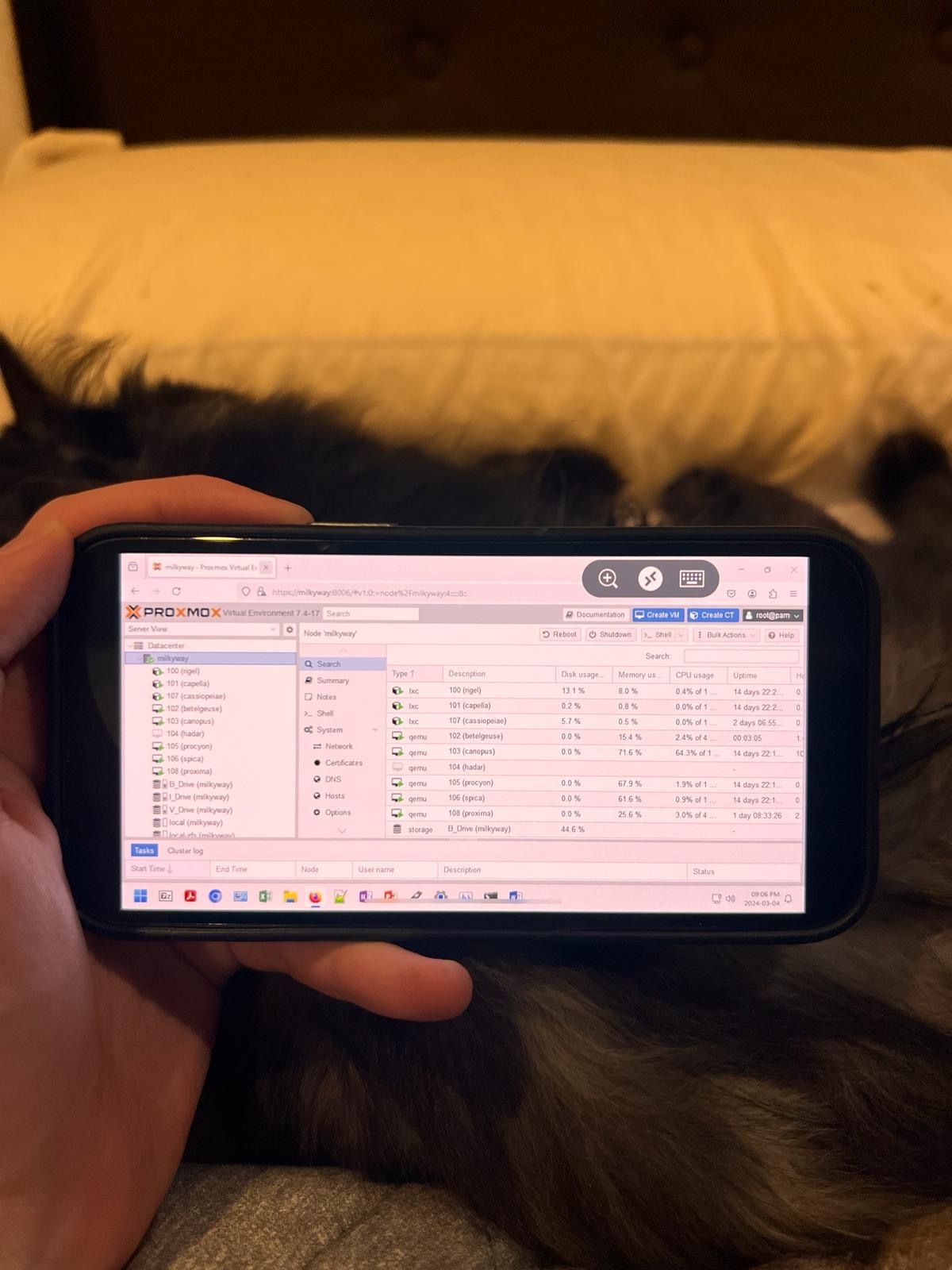
How the fuck did you do that?
Step 1: get a cat
Step 2: ???
Profit!
Step 0: pile of raw meat in backyard
Kasmweb in a docker with a FF workspace is how I do it, but this one looks like a RDP session to a Windows box/VM.
There are a few ways. What does your setup look like?
It's really simple. Hardly use it for any heavy lifting.
I use Proxmox to play with VMs and Open Media Vault on top to be my NAS.
I've done RDP, but figured that it could only be done on desktop.
I would get a GPU for VFIO and then setup sunshine for streaming. Sunshine won't work well over really slow connections or connections with high latency but it will allow for a good gaming experience.
Should I get a GPU that supports vGPUs or you mean like a GPU passthrough to the VM?
Everything is wired in my house so thankfully it's pretty fast.
Unless you want multiple VMs to share a GPU passthough is fine.
How can a consumer GPu be used across multiple VMs?
Sorry if it's a dumb question. I've never messed with GPUs. 90% of the things I do is headless and through CLI.
Under hardware > display there is an option for VirtiO-GPU and VirGL-GPU. I'm not super knowledgeable but I think these options allows VMs to make system calls to the GPU. I put an ancient Quadro in my server and my RDP sessions were noticeably better.

This is fantastic. Thank you. I'll probably get a low powered quadro then.
Or maybe is Radeon Pro better?
My GPU is quite literally 15 or 16 years old (I pulled it out of an old server that was being trashed). If you aren't going to do heavy graphical work and just want to spruce up your desktop performance then really anything is probably fine.
I think both these options require downloading additional libraries on your Proxmox host to work.
I have no idea to be perfectly honest
Step 1: enable Remote Desktop in Windows
Step 2: download a Remote Desktop app from app store
Step 3: use the app to login to the Windows box
Step 4: profit
Windows lol
I'm here to collect your cat tax.
Also, for us non-Windows folks, just set up a VNC server and do the same thing.
Cat tax paid.
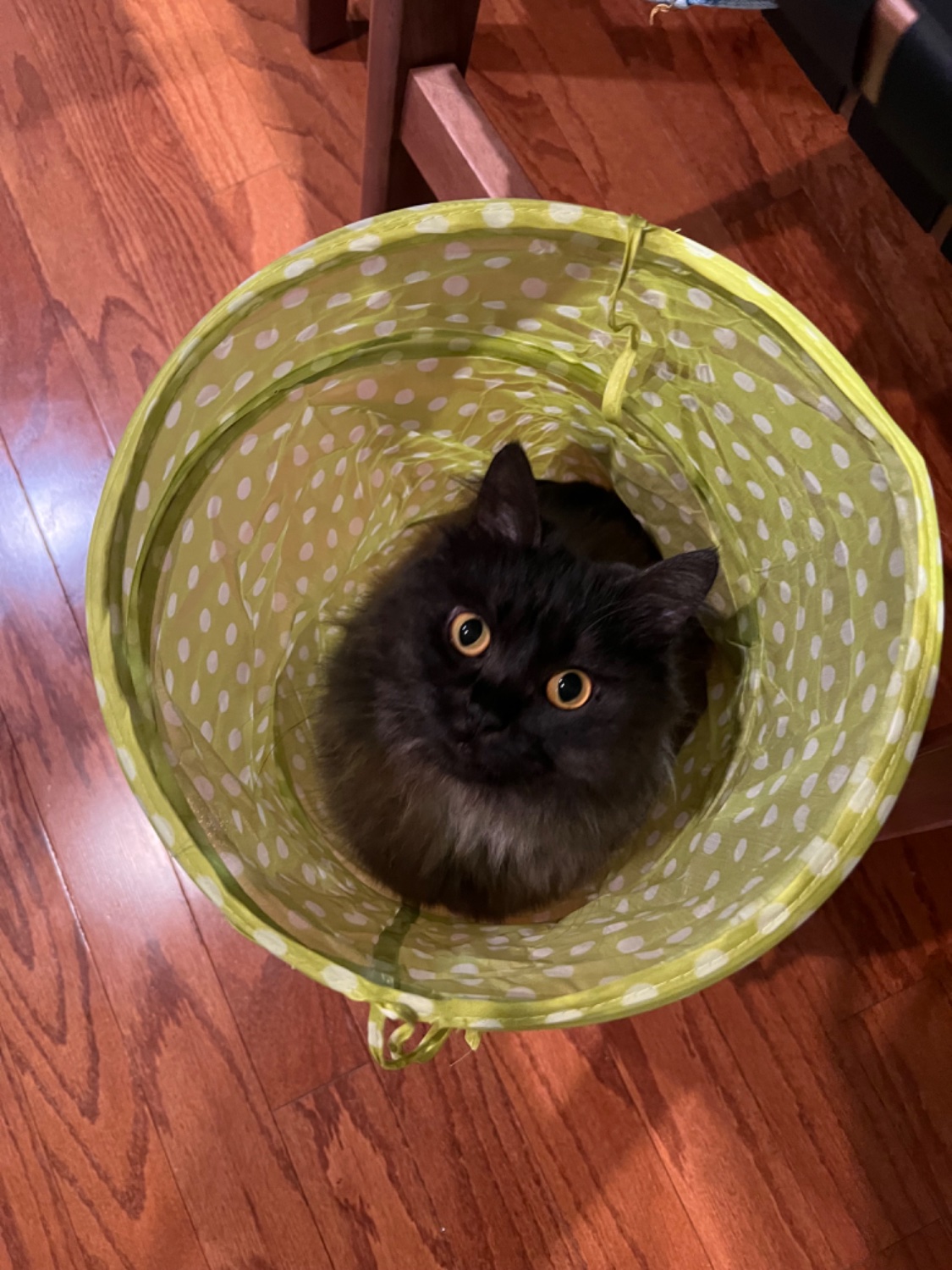
Thank you, you may proceed!
There is an iOS app I discovered yesterday called ProxMate, and it seems pretty nice!
Most excellent! 🤩
Instant Lifetime Purchase! 👌🏻
Thank you!!!
Whoa
Well, mobile sucks for most stuff, just because of size. I'd prefer to have simpler interface, with (as you mentioned), pre-defined routines/actions.
Or just use ssh, since command line is a lot easier on mobile for stuff like this.
I guess having more pages with fewer objects could make for a better mobile experience.
In firefox on android i just flip the switch to request desktop site amd its mostly fine...
Same.. a bit of screen scrolling to get what I need but did the trick in a pinch!
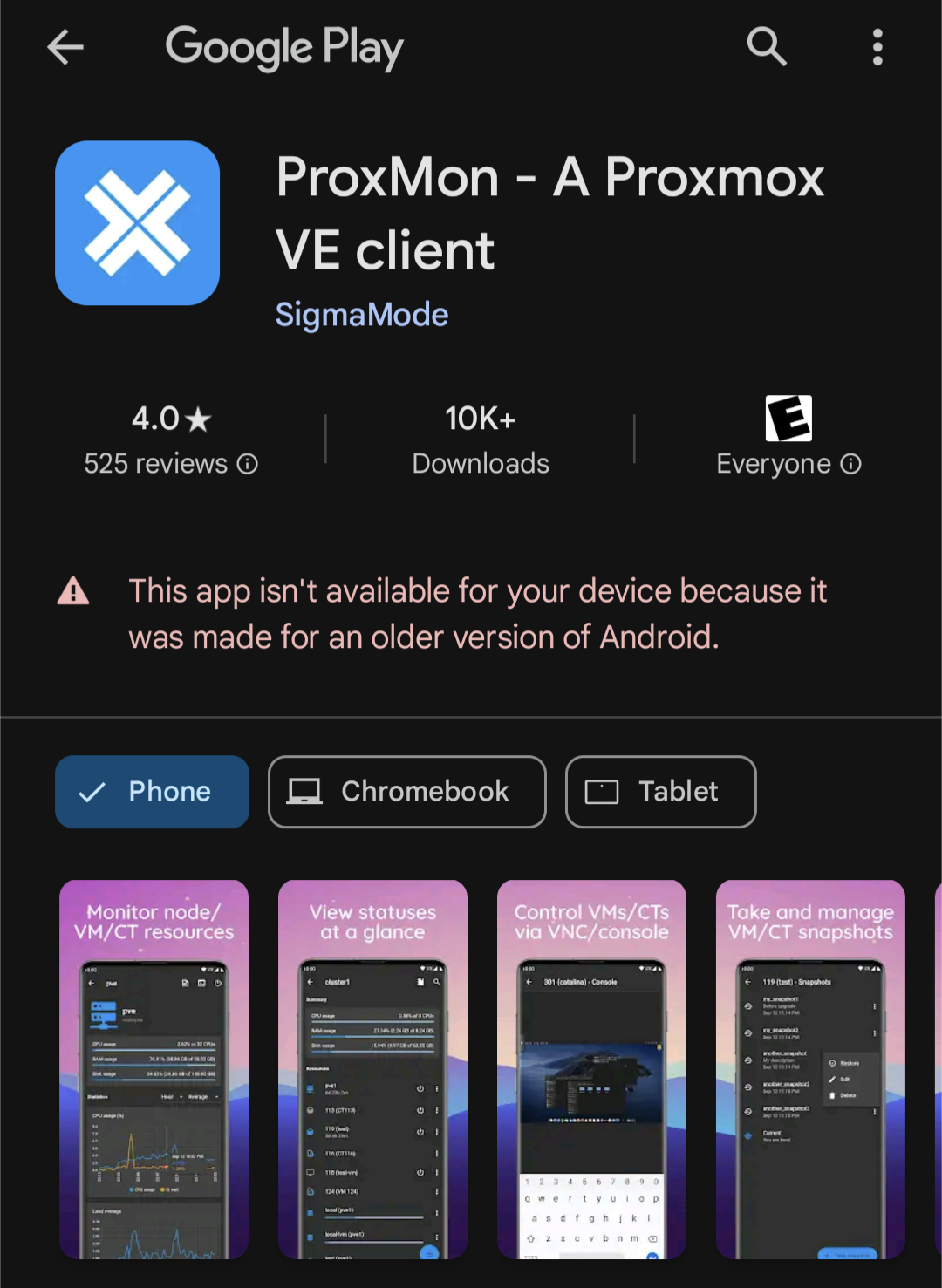
Not available for current versions of Android. On v 14 and I can't install it.
I'm currently using it on v14, works fine.
🤷♂️
At least with Openwrt it is functional
A place to share alternatives to popular online services that can be self-hosted without giving up privacy or locking you into a service you don't control.
Rules:
Be civil.
No spam.
Posts are to be related to self-hosting.
Don't duplicate the full text of your blog or readme if you're providing a link.
Submission headline should match the article title.
No trolling.
Promotion posts require active participation, with an account that is at least 30 days old. F/LOSS without a paywall has exceptions, with requirements. See the rules link for details. Tags [CBH] or [AIP] are required, see the links in Rule 8 for details.
AI-related discussions and AI-involved promotional posts have additional requirements for tagging, as noted in Rule 7 and the AI & Promotional Post Expanded Rules post, and find example disclosures here.
Resources:
Any issues on the community? Report it using the report flag.
Questions? DM the mods!