1
Meow5 (concatenative assembly): The Conclusion
(ratfactor.com)
Ok next time I won't use your computer.
grep -E '(^[^B]*$|A)'
EDIT: Whoops, I meant to make this a top-level comment.
EDIT 2: On one client it looked like a nested comment and on this other client it looks top level and now I'm a confused old man.
screenshot
screenshot
screenshot
screenshot
screenshot

screenshot
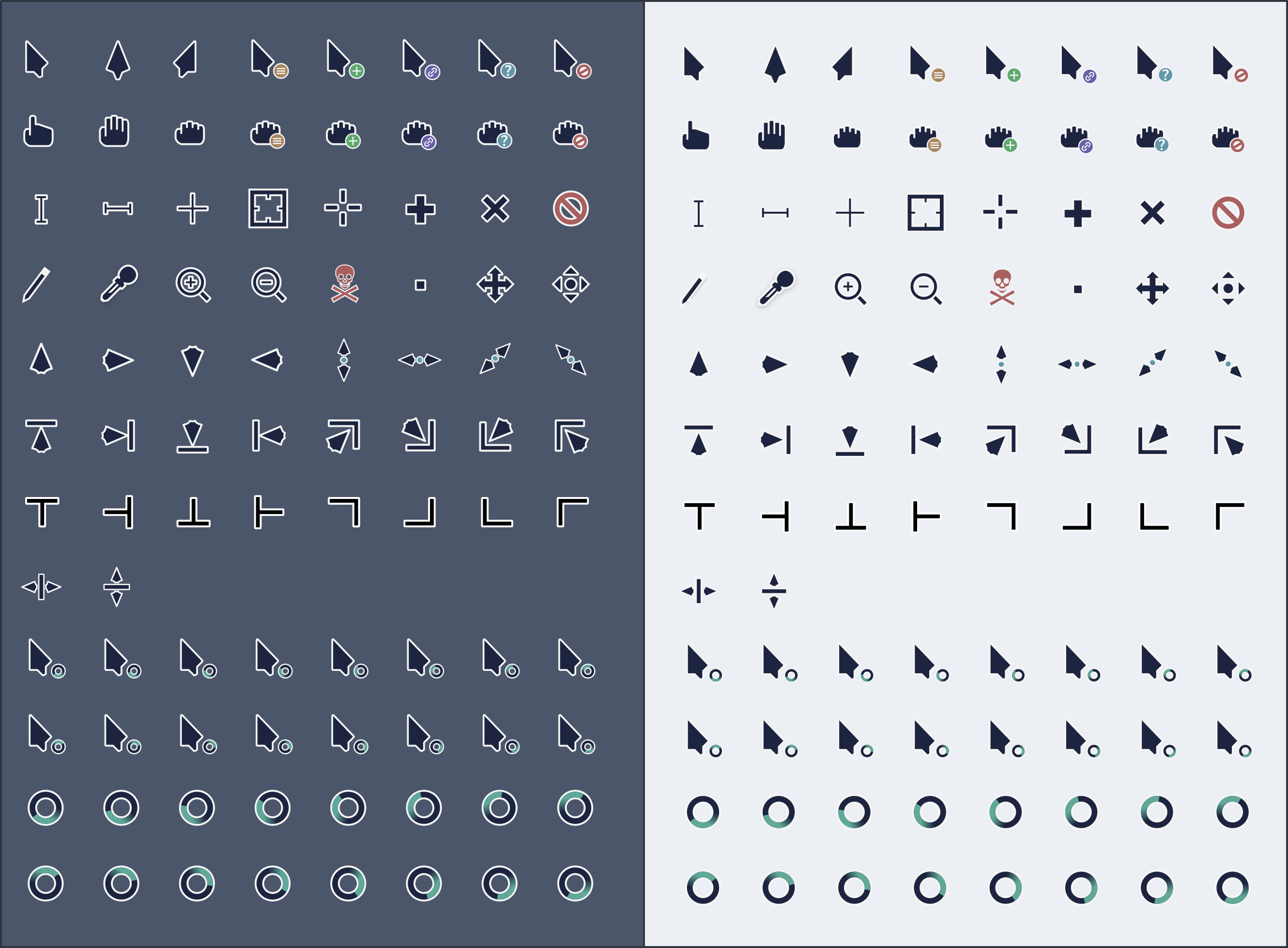
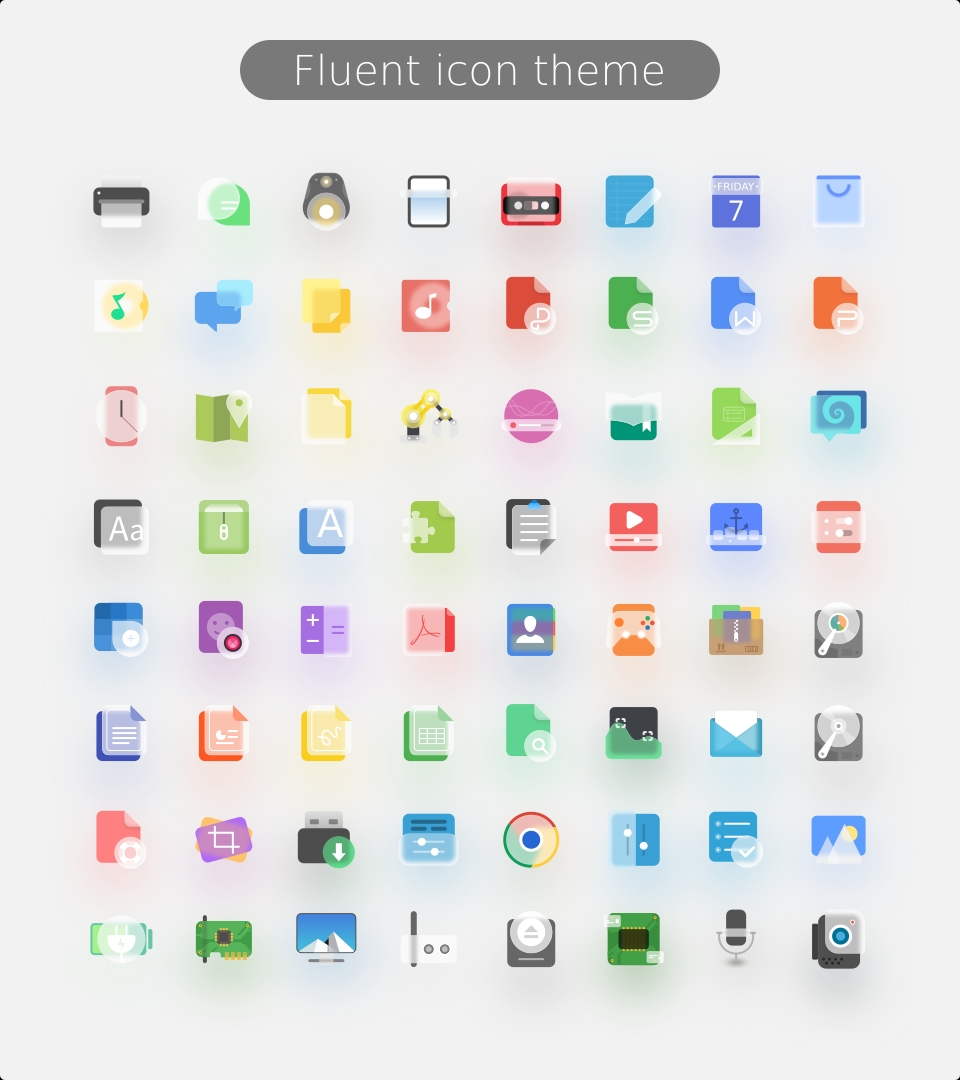
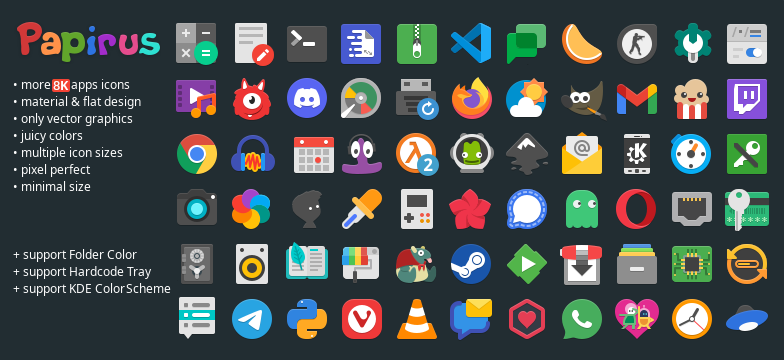
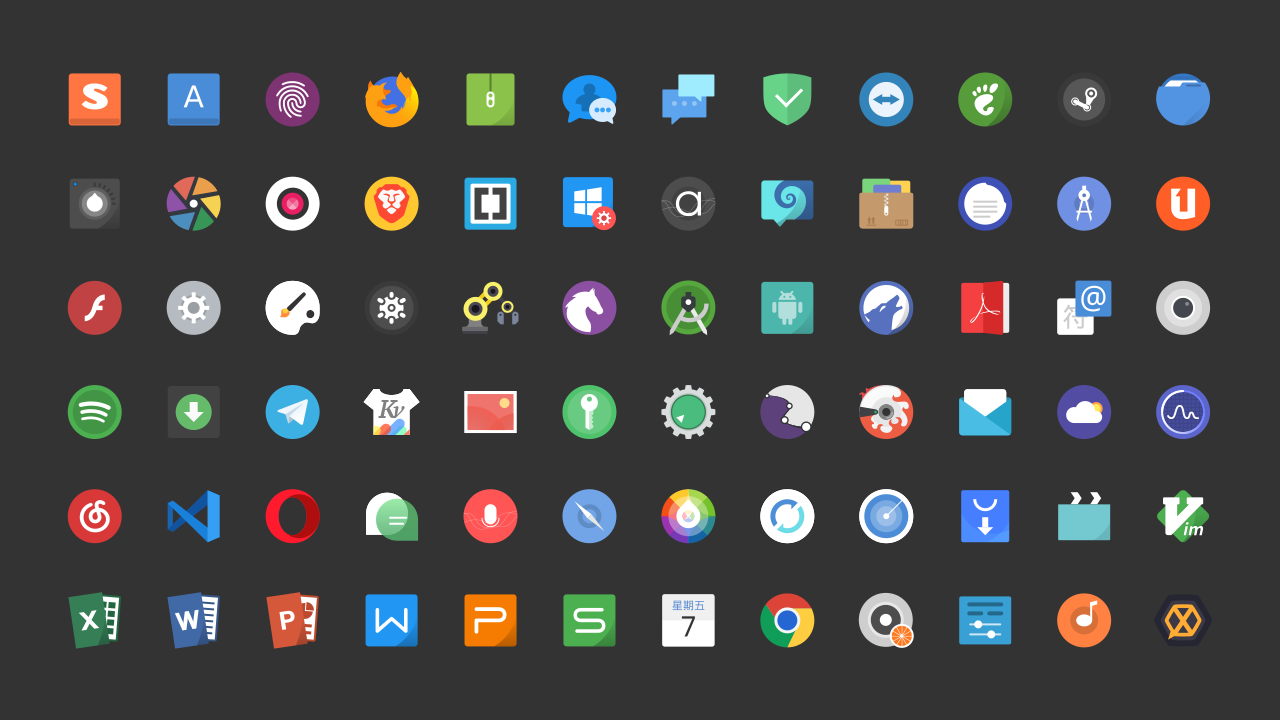
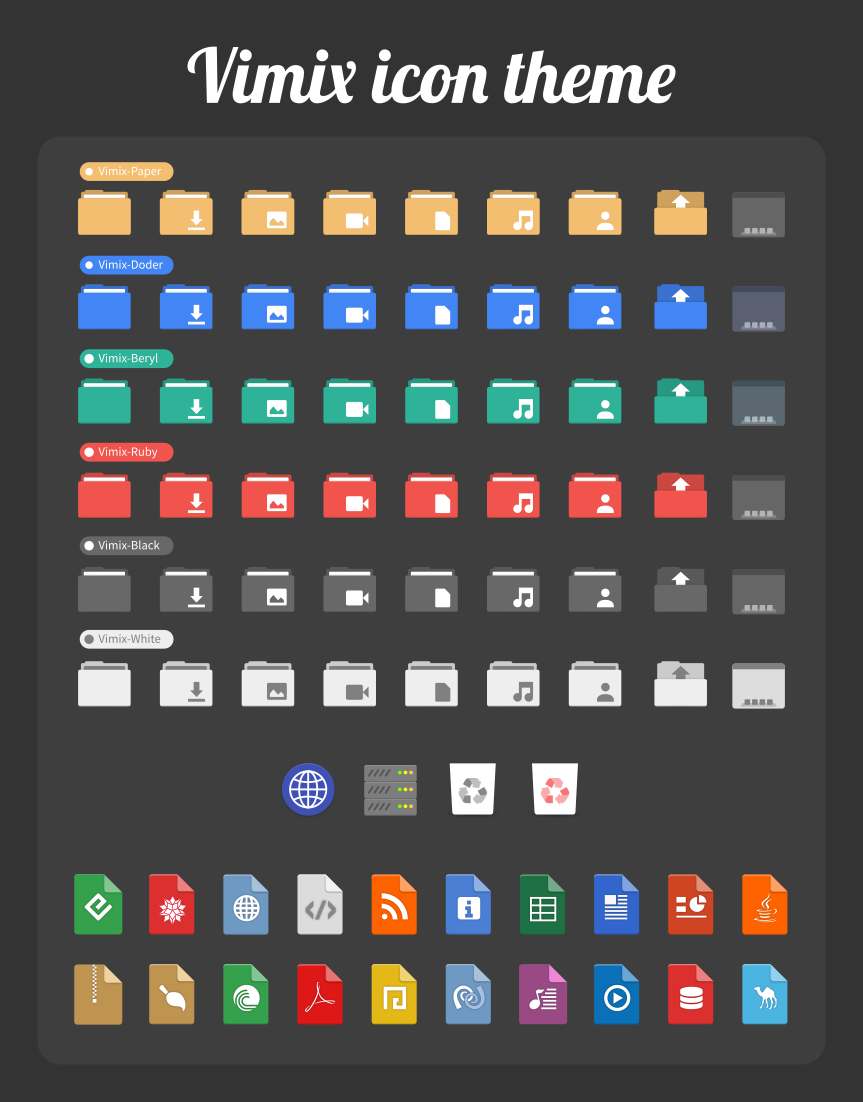
From this thread I tried out Gruvbox Plus Dark, which is nice, but a little low on contrast, and I don't prefer such uniform shapes.
Huh, I only now notice that the Fluent, Tela, Vimix, and Qogir repos are owned by the same user...
ncspot is great, spotify-tui is another, and in the past I've had some success using mopidy-spotify and an mpd frontend (a discontinued but very cool one called Cantata).
TLDR: It happens (by default) for calls between you and someone in your contacts list, because it's a p2p connection. It can be avoided by disabling p2p calls.
The reason Telegram leaks a user’s IP addresses during a call is that, by default, Telegram uses a peer-to-peer connection between callers “for better quality and reduced latency,” Telegram spokesperson Remi Vaughn told TechCrunch.
“The downside of this is that it necessitates that both sides know the IP address of the other (since it is a direct connection). Unlike on other messengers, calls from those who are not your contact list will be routed through Telegram’s servers to obscure that,” Vaughn said.
To avoid leaking your IP address, you have to go to Telegram’s Settings > Privacy and Security > Calls, and then select “Never” in the Peer-to-Peer menu, as shown below.
Wezterm, which does everything, with a great developer behind it.
Second choice is Konsole: super solid and great rendering.
Aaand tmux with either of those.
I'm a fan. This is where my library card lives.
As you said, it's super clean, no BS at all. In this crazy world, that's a rare pleasure.
I appreciate these brave words.
Ooh, thanks! I've used rbw successfully in the past.
Sublime Text!
No doubt p10k is excellent, and the dev knows what he's doing and helps others a lot.
Another great zsh prompt with a simpler implementation is agkozak's: https://github.com/agkozak/agkozak-zsh-prompt
CLI flow: run command, print output below
TUI flow: navigate and interact with a layout that updates in place