403
It is done when it is done!
(sopuli.xyz)
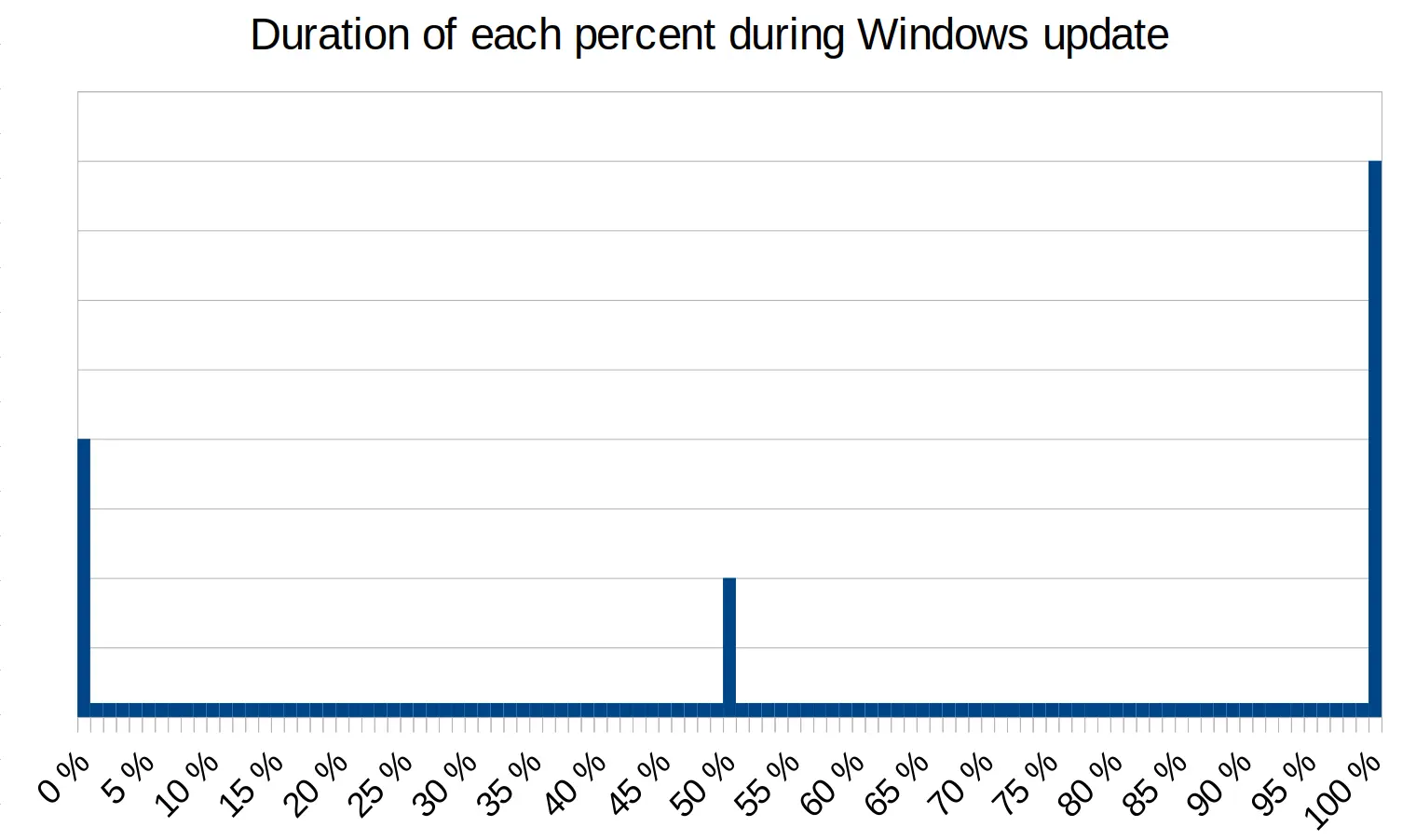
I love that you had such an annoying update experience that you went ahead and created 2 memes about it and postet into a total of 4 communities, only to vent your frustration. Keep going, this is great!
Posting memes keeps me from falling into a murderous rage
…barely.
Typisch Deutscher.

Wasn't that one just a logarithmic progression?
Is it actually measuring progress of anything as it's happening, or do they just update the percentage when it passes certain milestones? So many progress bars are just straight-up lies that slowly increment a number until the real process finishes and it shoots to 100% from wherever it was at before.
Relevant TomScott https://www.youtube.com/watch?v=iZnLZFRylbs
There are definitely better and worse progress bar systems but there are no "good" ones.
They do not generally reflect time passed but amount of task done.
For example, let's say you have 100 files to configure as part of an update or installation. 99 of them are really small files that fly by, but the last one is a few gigabytes of data that needs to be configured. The bar might hang on that one really large file, then fly by the rest of the process as these files are very small and go quickly.
In this case the progress bar should show the percentage of processed data, but just using the amount of tasks or number of files is quicker and most often than not works fine
even then it would not be accurate, difference in file systems and storage medium would cause performance difference of processing many small files vs few large files. In TWRP when backing up, it would just straight up show you both progress and neither of them would advance linearly.
Windows update is definitely milestones. 30% is the "reboot milestone" so if it shows less, it needs to reboot to finish applying.
Nah, there should definitely be spikes at 30% & 70%
the most important parts are left to last %0
Wasn't 85% the magical number?